Excel to SQL to Power BI: The Complete Career Toolkit for Aspiring Data Analysts
Are you someone who wants to dive into one of the most in-demand careers of the present day? Do you love turning raw numbers into some powerful insights? Then, you would be perfect for the role of Data Analyst. But, it will be overwhelming for you to become a data analyst without proper guidance. We heard you! This blog will take you to the world of data analyst toolkits that help you elevate your career. Continue reading this blog to know what they are!
The Complete Career Toolkit for Aspiring Data Analysts
The career toolkit for data analysts includes Excel, SQL, Python, and data visualization tools like Tableau or Power BI. These are the technical toolkits required. However, strong analytical skills involving effective problem solving and communication are also necessary. Let’s begin exploring each toolkit!
Excel
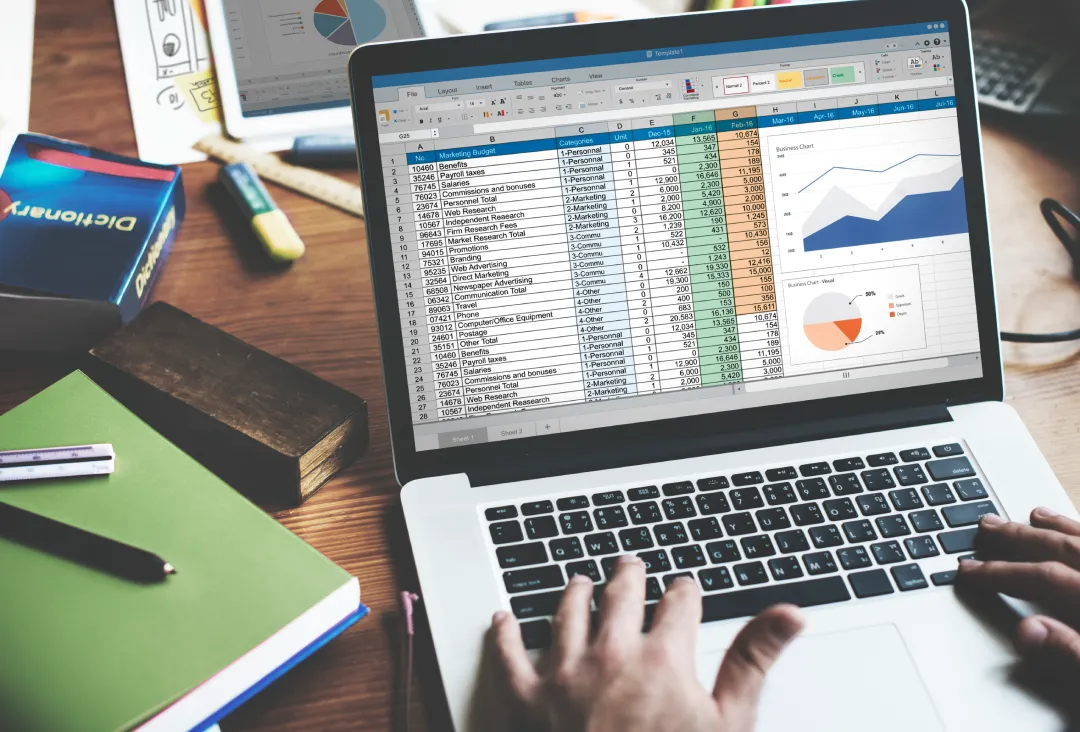
Excel is one of the most widely used and fundamental tools for a data analyst. It is primarily used to organize and store data. But it is also used in data analysis to manipulate, analyze, and visualize data with quick insights.
Its built-in features include formulas, pivot tables, charts, Power Query, and more. It performs data cleaning, which refers to the process of removing duplicates, extra spaces, characters, and so on. This converts the data to be prepared for analysis without any errors.
The following procedure is a data transformation. In this, suitable formulas and functions are performed on the data to change it in a specific format for analysis. Those include functions like lookup, logical, text, statistical, and math functions. After all these steps, the analysis will result in visuals like charts or tables.
SQL
Structured Query Language (SQL) helps you to directly retrieve and manage data from databases. In today’s world, it continues to be an essential skill for data analysts. Since databases store large amounts of data, SQL helps you to retrieve the specific data that you need and you can work on it.
You can filter and aggregate data; perform actions like joining tables, and also do calculations inside the database. You don’t have to export everything to Excel and do the analysis. With SQL, instead of abstracting data, you can do everything in the database itself. It works efficiently with large datasets too.
With aggregation, SQL helps data analysts in getting meaningful insights from the grouped data. Also, they can save queries and rerun them whenever fresh data comes in.
Python
Python is generally a programming language. It has a wide range of libraries like Pandas, NumPy, and Matplotlib. These libraries help in supporting complex data analysis. They improve the ability to manipulate, process, clean, and visualize data. It makes Python a powerful toolkit for drawing meaningful insights from data.
From the library of Pandas, you can load data from any source. Changes like removing or adding rows and columns are available in it. You can format them as you want for easy usage. The data can also be grouped by creating visuals such as charts, graphs, or tables for analysis.
Like SQL, Python also has automations of data analysis tasks, making it a more effective tool. Compared to other tools, it is capable of handling large datasets which helps you to work seamlessly.
Tableau
Tableau is a leading data visualization tool for data analysts to create interactive dashboards and reports in an understandable way. It explores and analyzes data and then converts it into some visuals. It is highly empowered in Business Intelligence (BI) since it can be used even without technical skills.
It converts raw data into visuals that are easier to understand and act on with decision-making. It sorts and filters data while doing calculations to delve deeper. Apart from that, it is used for scenarios like trend analysis, forecasting, what-if scenario planning, etc.
Power BI
Power BI is another widely used visualization tool in data analysis and BI. It was developed by Microsoft. It is primarily used for taking data-driven decisions since it offers valuable insights from the raw data. It has a user-friendly interface and runs with a specific language called DAX. It stands for Data Analysis Expressions.
It includes some advanced features to find hidden trends and patterns within data. Overall, it creates insightful charts, graphs, and other visual representations of data.
In Conclusion
Have you heard that every expert was once a beginner with a learning story? Becoming a successful data analyst isn’t about learning everything at once. You can build your skills from a learner level. By working with various tools, you can discover which is best for each task. So, why are you waiting? Discover all the available and suitable toolkits to fly higher in your Data Analysis career!